How It Works
Three steps to a cleaner address book
Pick contacts you don't need
Select one contact or hundreds at once. Old coworkers, one-time deliveries, that plumber from 2019.
Archive them off your phone
They're removed from your iPhone Contacts but safely stored inside Contact Archive on your device.
Still see who's calling
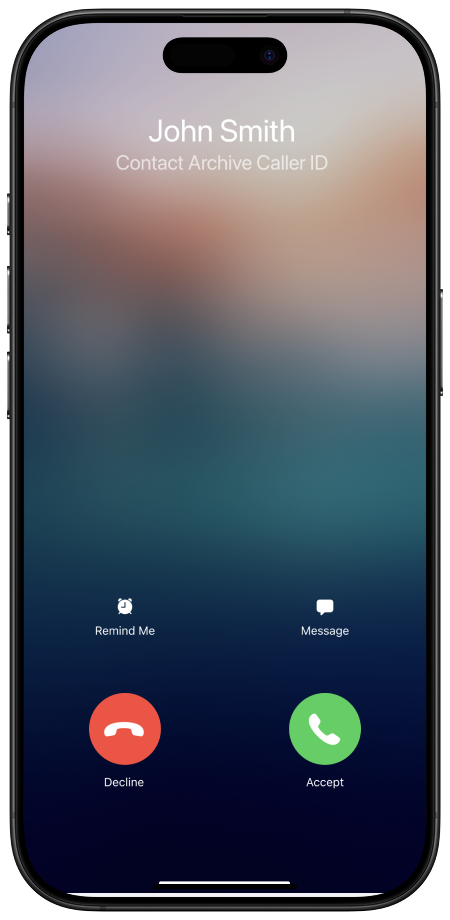
When an archived number calls, their name shows up on your screen. No more mystery calls.
Everything You Need to Organize Your Contacts
Know Who's Calling — Even After Archiving
Most contact cleaners remove names from incoming calls. Contact Archive doesn't. Archive a contact and their name still appears when they call you, so you always know who's on the other end.
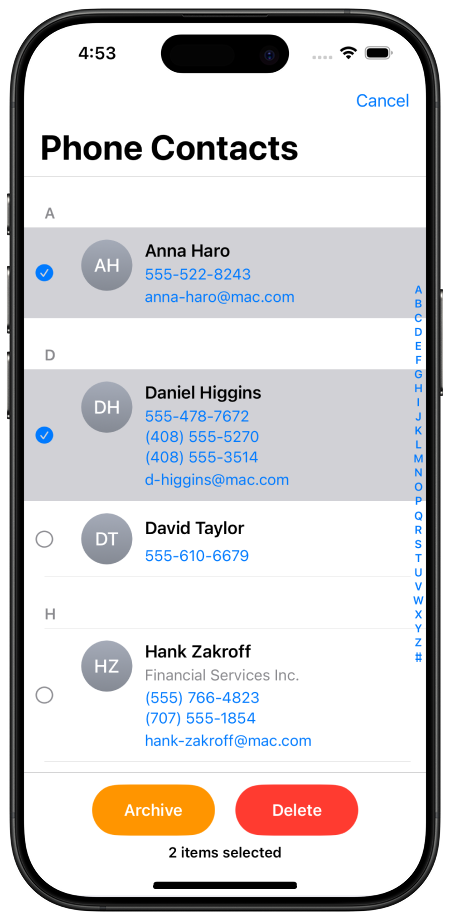
Bulk Archive or Delete in Seconds
Select multiple contacts and archive or delete them all at once. No more tapping through one contact at a time in the built-in Contacts app.
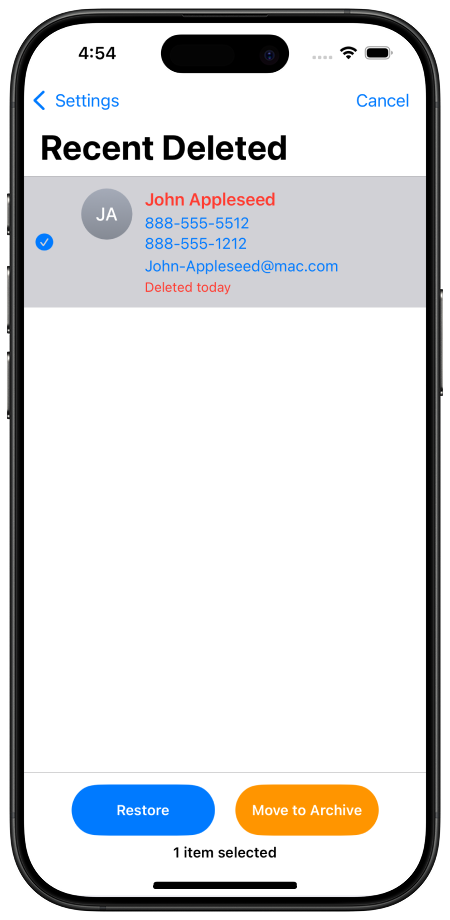
Restore Any Contact with One Tap
Changed your mind? Every archived contact lives in a dedicated list. Tap once and it's back on your phone — with all the original details intact.
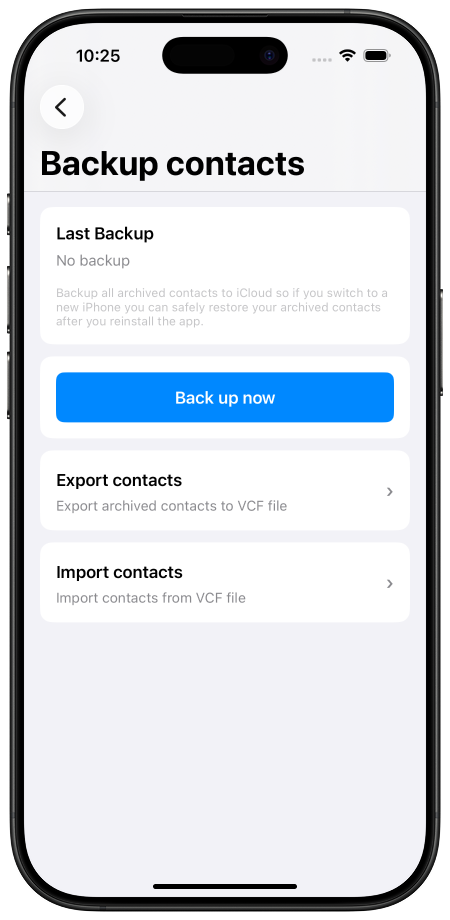
Back Up to iCloud or Export as VCF
Back up your entire archive to iCloud Drive, or export contacts as a VCF file. Switching to a new iPhone? Restore your archive and pick up right where you left off.
100% On-Device. Your Contacts Never Leave Your Phone.
We built Contact Archive to be private by design — not as an afterthought.
No servers
Your contacts are stored locally on your iPhone. We don't run any servers that touch your data.
No account required
No sign-up, no email, no login. Open the app and start using it immediately.
Backups stay yours
iCloud backups go to your personal iCloud Drive — we never see them.
100% Free. Every Feature. No Catch.
No subscriptions, no paywalls, no feature gates.
Everything Included
- Archive or delete contacts
- Bulk select and clean up
- Restore contacts anytime
- See who's calling from archived numbers
- iCloud backup & VCF export
- Recently Deleted recovery
- Fast search across archive
Frequently Asked Questions
Can I still see who's calling after I archive a contact?
Yes. Archived contacts still show their name on your screen when they call you. You get all the benefits of a clean address book without mystery calls from unknown numbers — completely free.
Is Contact Archive free?
Yes. Every feature is completely free — archiving, restoring, caller ID, iCloud backup, VCF export, search, and Recently Deleted recovery. There's an optional tip jar if you'd like to support development.
Are my contacts uploaded to a server?
No. Contact Archive is 100% on-device. Your contacts are stored locally on your iPhone and never leave your device. Backups go to your personal iCloud Drive, not our servers.
Can I restore a contact after archiving or deleting it?
Yes. Archived contacts can be restored to your phone with one tap anytime. Deleted contacts are kept in a Recently Deleted list for 24 hours before permanent removal, giving you time to recover them.
How do I back up my archived contacts?
You can back up your entire archive to iCloud Drive or export it as a VCF file. When you switch to a new iPhone, just restore from your backup and everything comes back.
Ready to Clean Up Your Contacts?
Free download. No account needed. Takes 30 seconds to start archiving.

Scan with your camera